Shrink.fast
A batch image compression application.
Visit website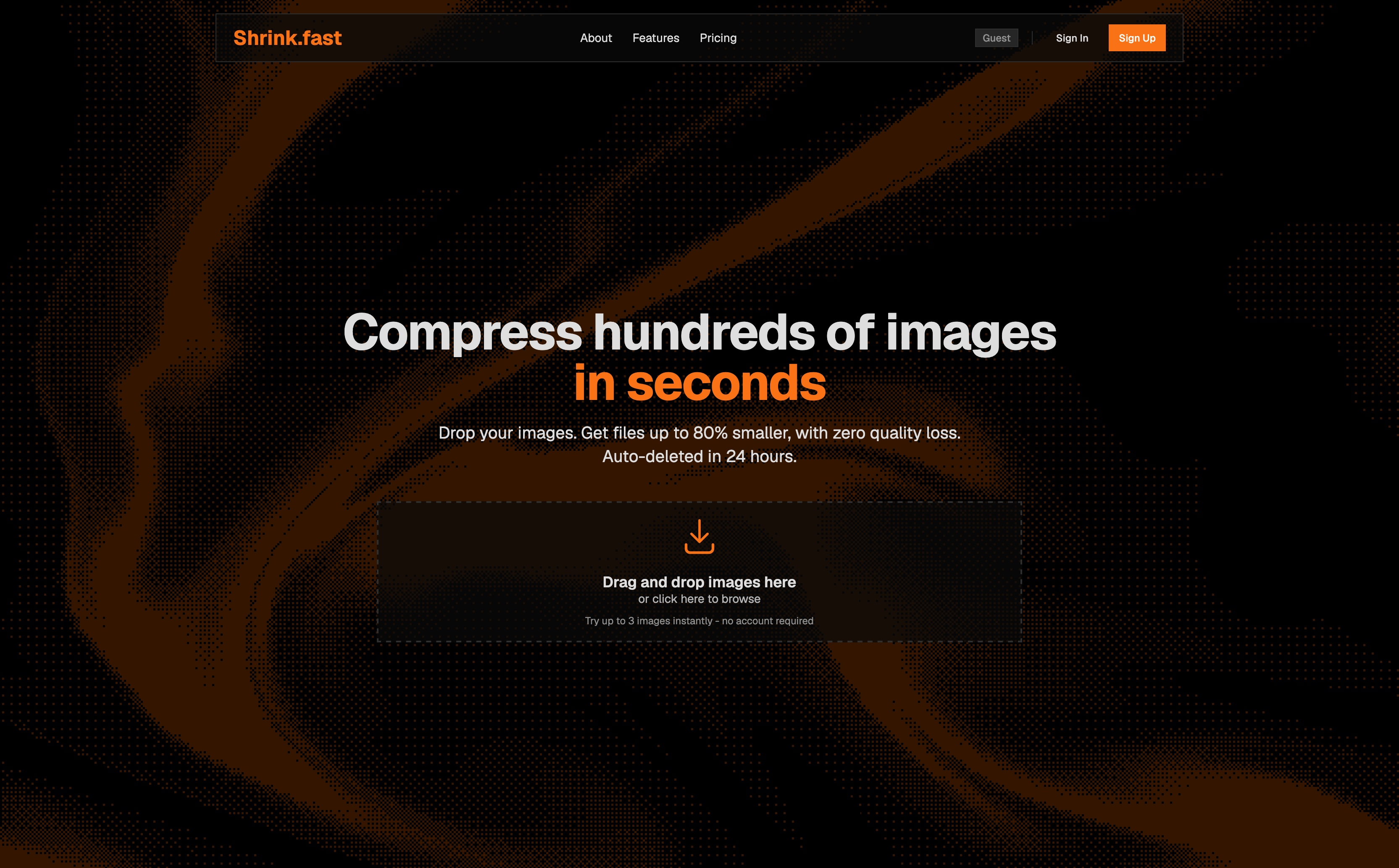
Built with
- SvelteKit
- Svelte
- TypeScript
- Tailwind CSS
- Bun
- SQLite
- Drizzle
- Better Auth
- Sharp
- Docker
A whole batch, one workflow
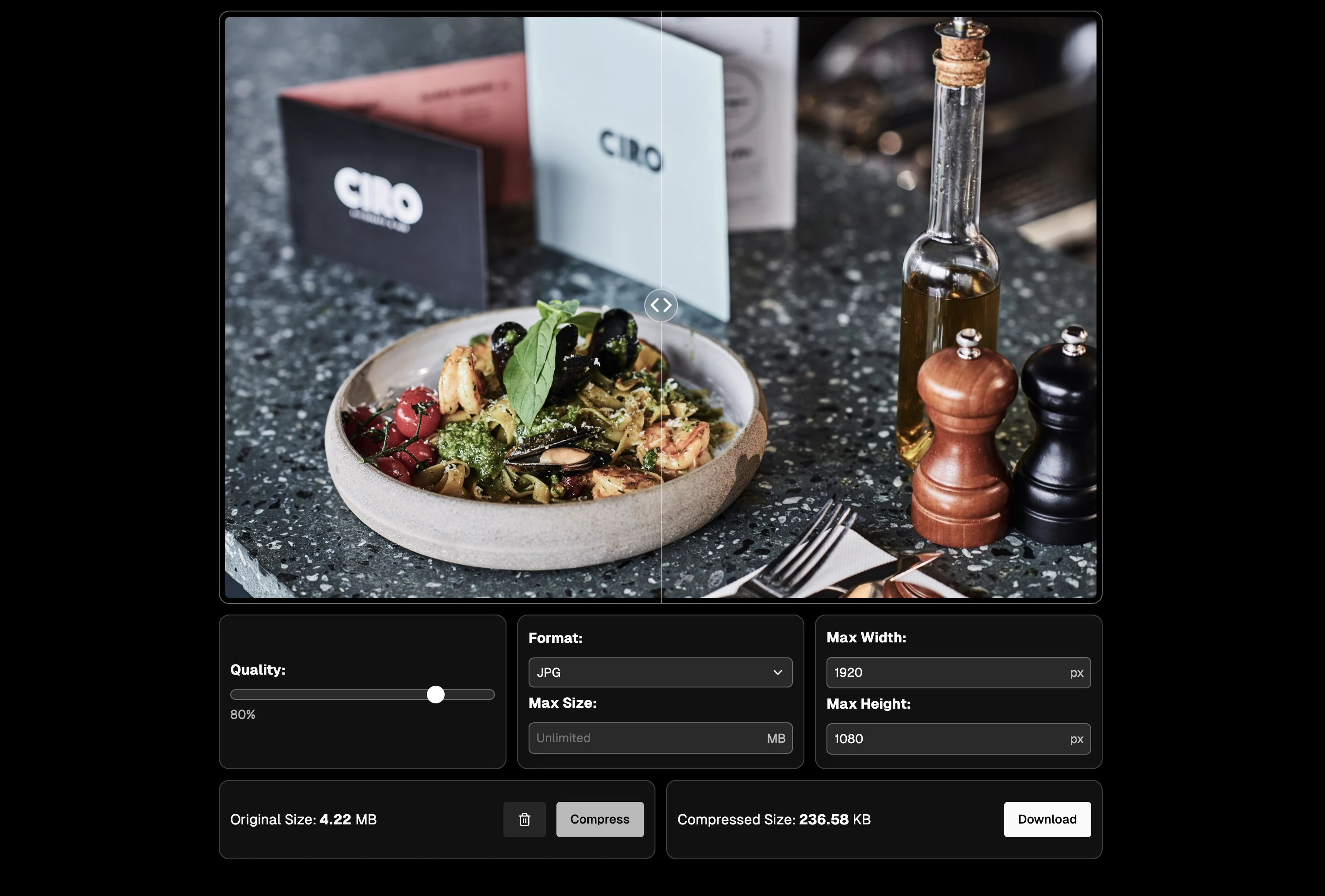
Shrink.fast brings uploading, adjusting, and compressing images into one workflow. Add a batch of files, choose how they should be processed, and follow progress as the results become available. Finished jobs can be downloaded together as a ZIP file.
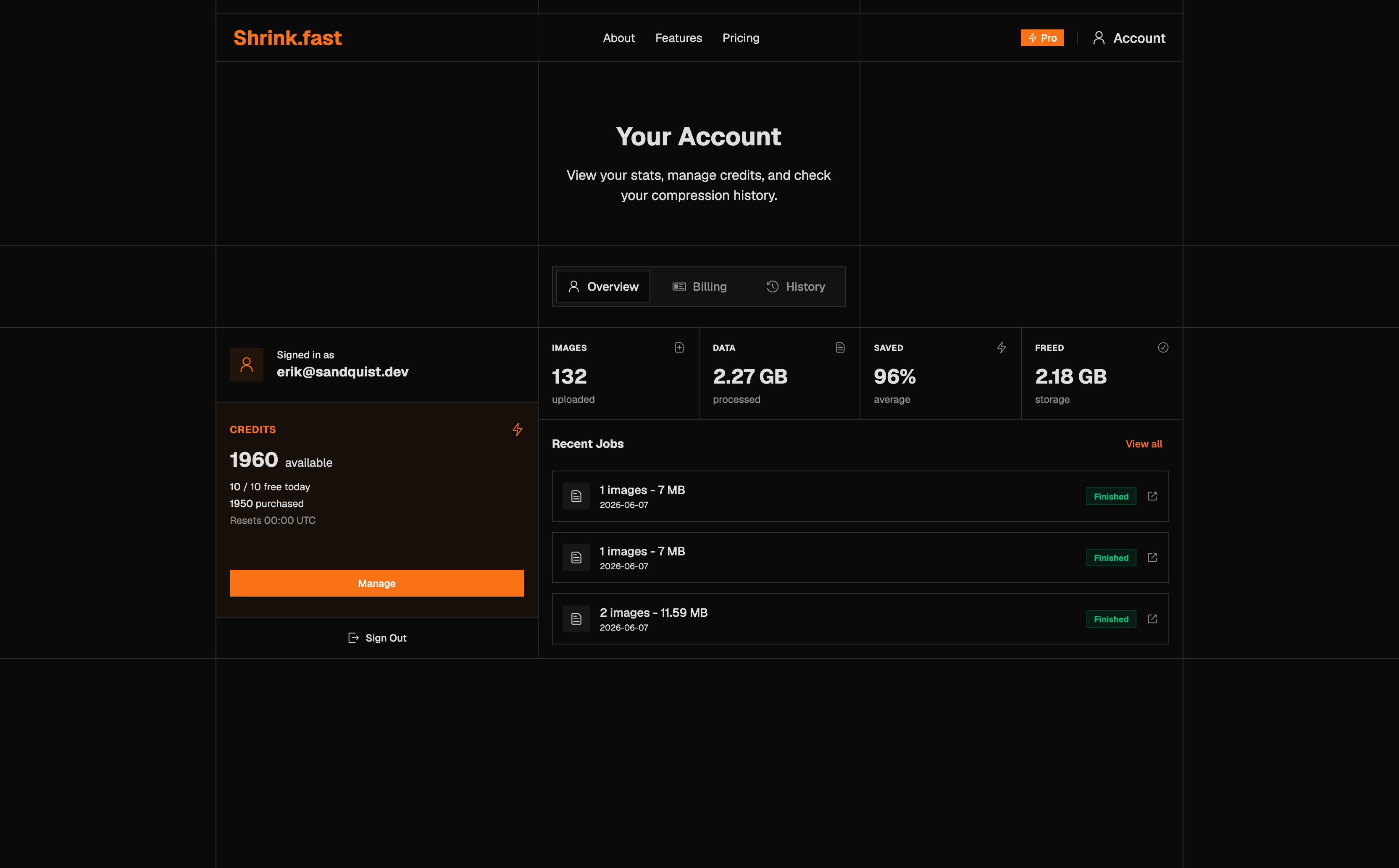
A guest flow lets people try the tool before creating an account. For returning users, the account area brings together recent jobs, usage, and credit balances.
More control over the result
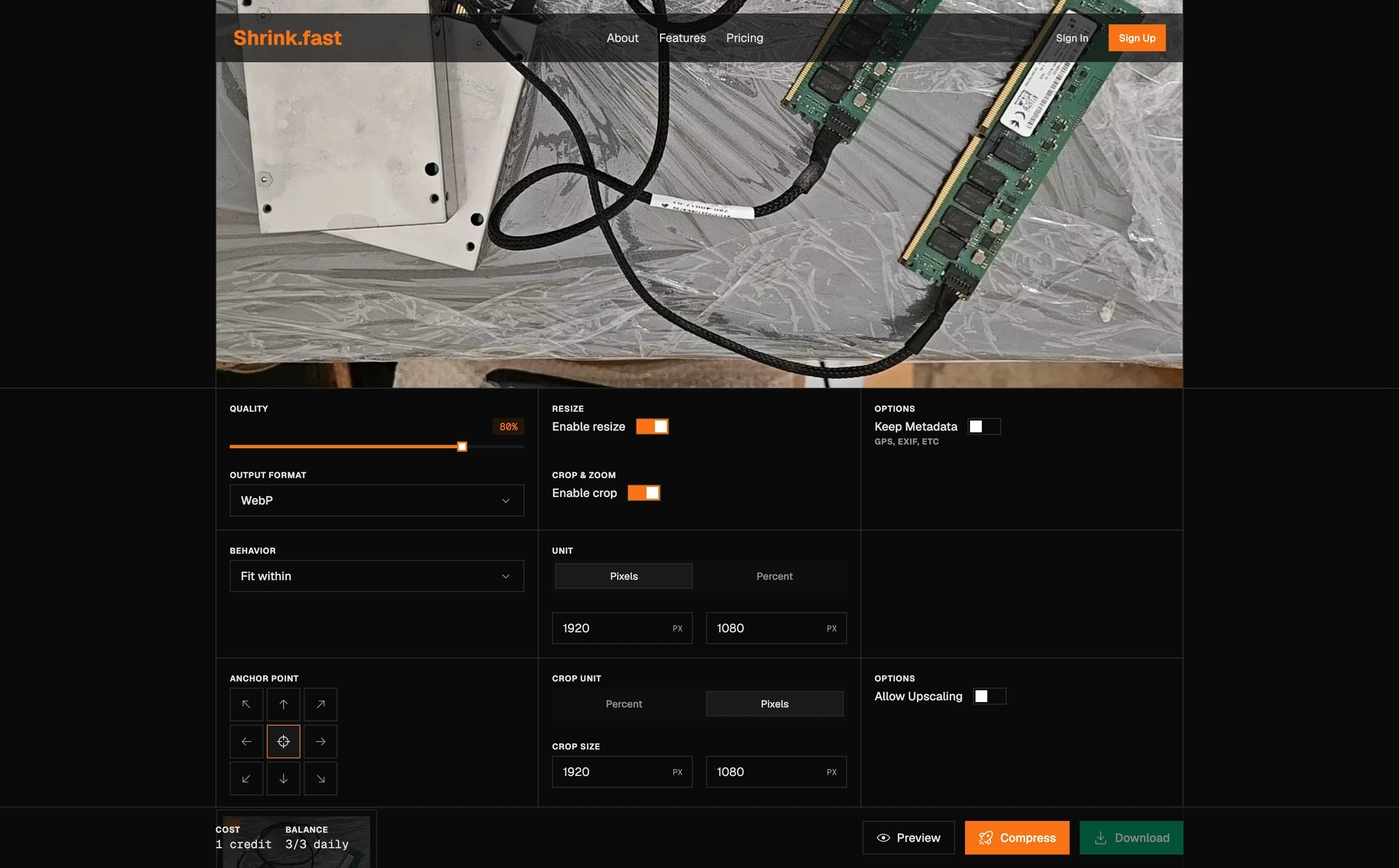
Quality and output format are only part of preparing an image. Shrink.fast also includes resizing and cropping, with controls for dimensions, crop position, and whether image metadata should be retained.
These settings sit alongside the image preview, keeping the choices and their visual context together. The aim is to make preparing images for different uses manageable within one application.
Built around repeat use
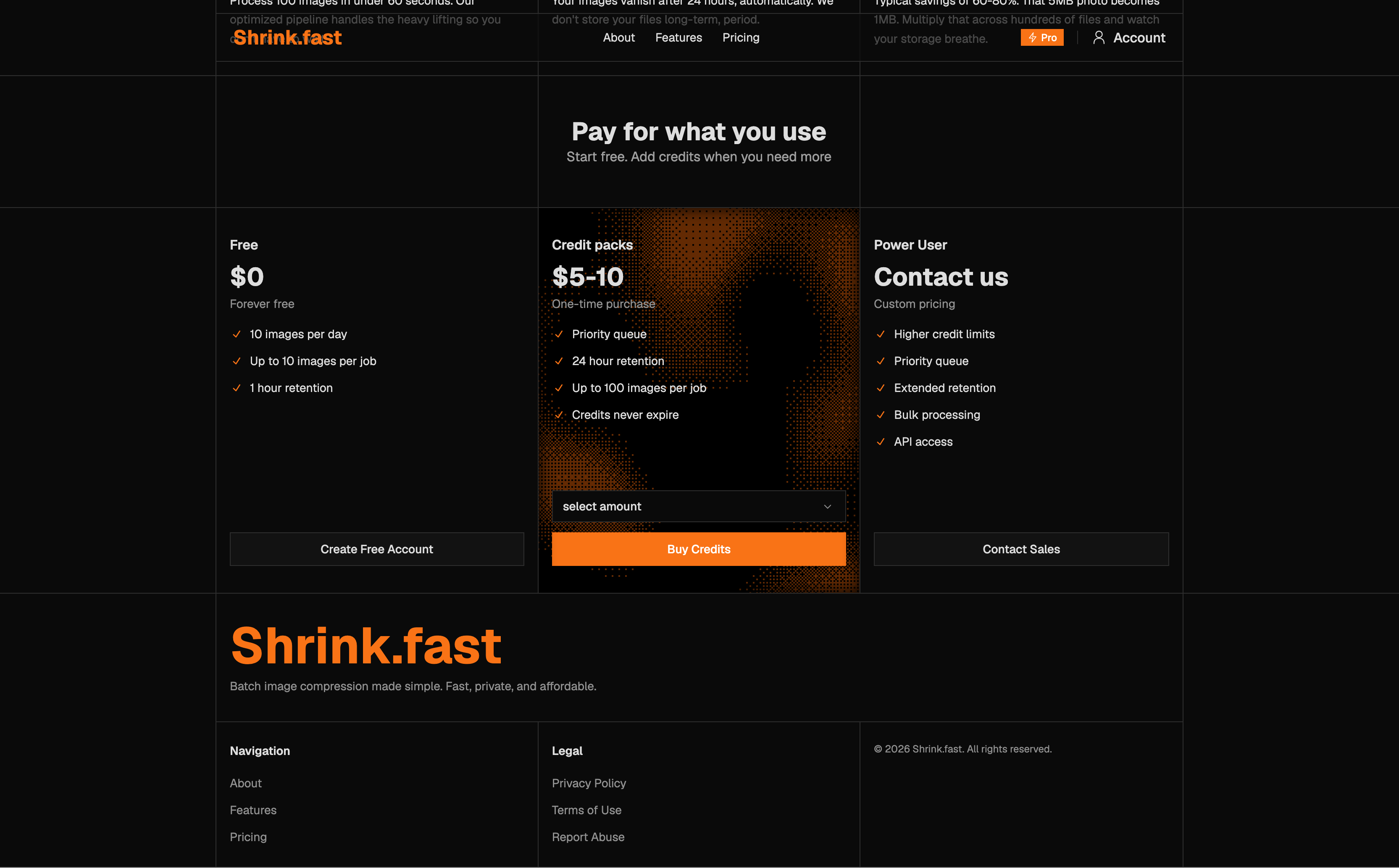
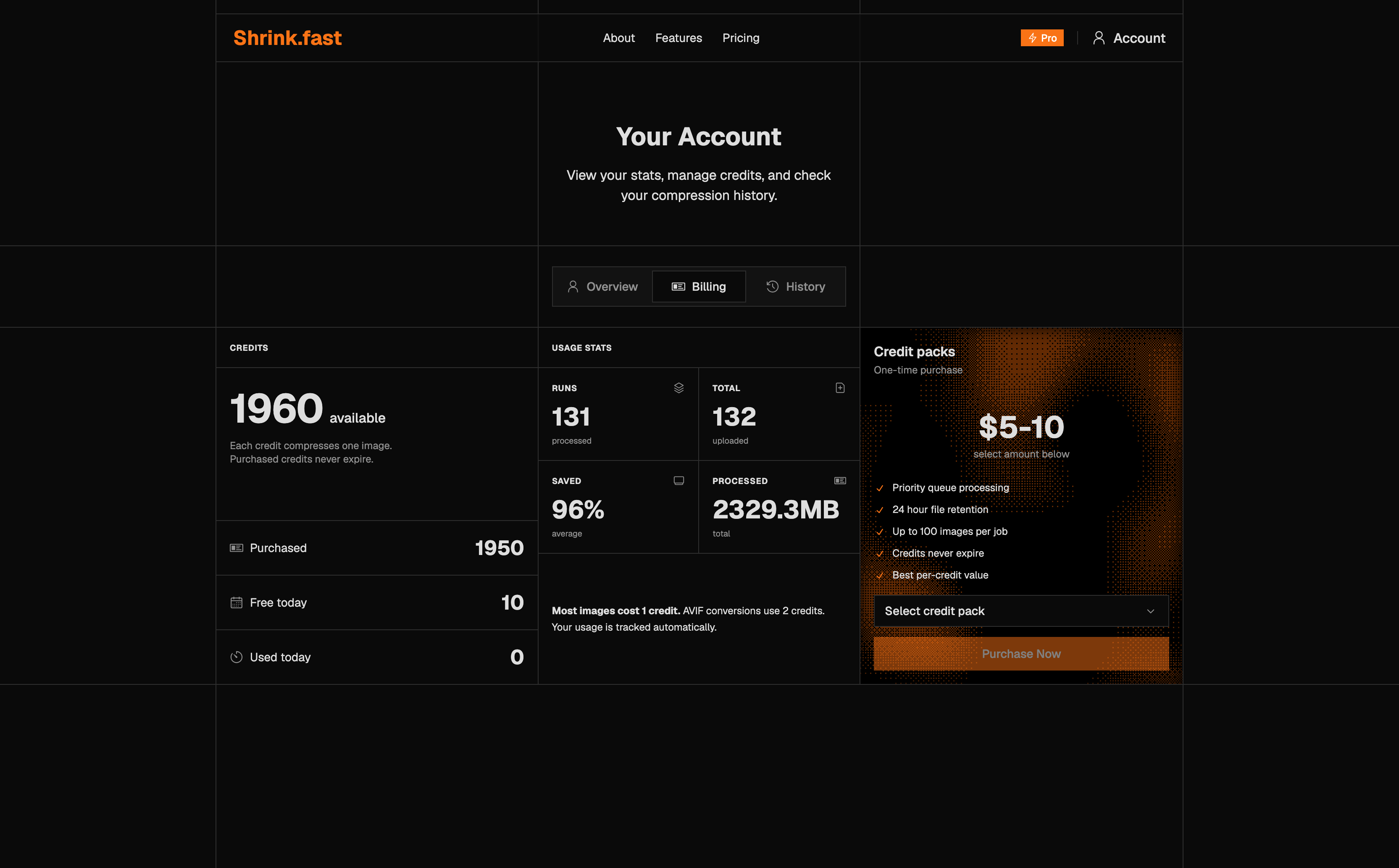
Free usage and purchased credit packs give occasional and returning users different ways to use the application. The account pages show job history, available credits, and processing statistics, with Polar handling the credit-purchase checkout.
The visual design carries the same orange accent, square controls, and animated shader treatment from the landing page into the application.
Inside the application
Where it started
Shrink.fast grew out of Mini-Jpg, an earlier image compression tool built around batch uploads, adjustable output settings, and an image library. It brought uploading, processing, and downloading into a single workspace, with progress and file-size comparisons for each image.
Shrink.fast takes that foundation further with cropping, guest access, credit packs, and a more complete account experience. The focus remains the same: making it easier to prepare a collection of images in one place.